At some point in the last year, we got tired.
Tired of pasting JSON into sketchy websites with ads so aggressive they need their own close button. Tired of "free" tools that want your email before showing you a Base64 string. Tired of opening six browser tabs to do things that should take six seconds.
So we built our own. Here are the 10 you'll reach for first — and the exact situations where each one saves you.
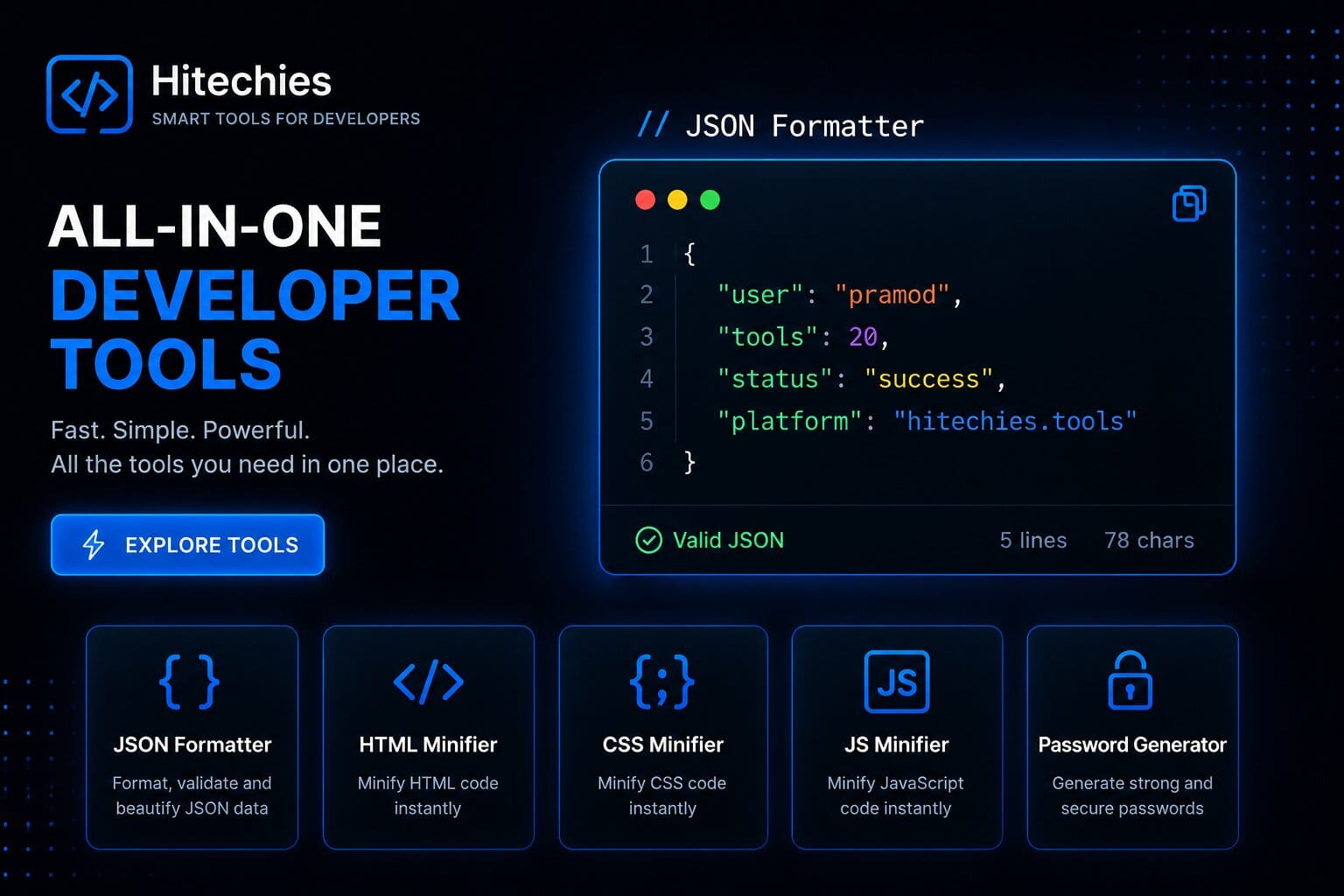
You paste in the response. It's one line, 4,000 characters, no whitespace. You squint. You scroll. You consider a career change. Our formatter takes that blob and turns it into something with proper indentation, colour-coded keys, collapsible nodes, and live error highlighting that tells you exactly where the malformed bracket is — not just "invalid JSON somewhere in here, good luck."
It also shows total key count, object depth, and file size. That last one matters when an API is returning 200KB when you expected 2KB, and you need to know whether to blame the backend or your own query.
data.object.charges.data[0].balance_transaction.fee_details[0].amount. The formatter makes that navigable in seconds instead of minutes.
A JWT is three Base64-encoded chunks separated by dots — algorithm header, payload (user ID, roles, expiry), and signature. Our decoder splits all three apart and displays them as readable JSON. No network request is made. Ever.
This matters because JWTs contain user identifiers and permission scopes. Pasting them into random online tools is the kind of thing that gets flagged in security audits and makes your infosec team write passive-aggressive Slack messages.
Uses window.crypto.getRandomValues() — the cryptographically secure API built into every modern browser — not Math.random(), which is deterministic and absolutely not suitable for security-sensitive generation. Configurable length (8–128 chars), character sets, and exclusion of visually ambiguous characters like 0/O and 1/l/I.
The strength meter evaluates entropy in bits. It'll tell you that a 12-character random alphanumeric password is stronger than a 20-character common-word passphrase — and show you exactly why the maths works out that way.
Write your pattern, paste your test string, see matches highlight in real time. Supports flags (global, case-insensitive, multiline, dotAll) with toggle buttons. Shows capture groups separately — so if your regex has three groups, you see exactly what each one matched, labelled.
The cheat sheet covers patterns people actually forget: lookaheads vs lookbehinds, non-greedy quantifiers, named capture groups. The 20% you need 80% of the time, open in a side panel so you don't break flow.
Enter any Unix timestamp and get back UTC, ISO 8601, RFC 2822, and your local timezone simultaneously. Or go the other direction. It handles millisecond timestamps (13 digits) vs second timestamps (10 digits) automatically — a source of bugs more often than it should be, because JavaScript uses milliseconds and most of the rest of the world uses seconds.
Paste text or upload a file, choose your algorithm, get the hash. Runs client-side using the Web Crypto API — no data leaves your browser. One-click algorithm switching so you can compare outputs without re-entering your input.
Worth knowing: MD5 and SHA-1 are broken for security purposes — collision attacks exist for both. Use SHA-256 or SHA-512 for anything that matters. If you're using MD5 for legacy compatibility, at least now you know why your senior devs look pained when it comes up.
Paste any text and see the token count in real time across GPT-4 and Claude tokenisation simultaneously. Tokens aren't characters or words — they're variable-length chunks that differ by model and content. Code is particularly token-hungry because of all the brackets and indentation.
LLM API costs are priced per token. If you're building a system prompt that runs thousands of times a day, shaving 200 tokens off isn't a micro-optimisation — it's a real cost reduction that compounds fast.
Enter any domain. Get back the certificate's common name, issuer, validity period, expiry date, whether the chain is complete and correctly ordered, and whether the domain on the cert actually matches the domain you entered — which sounds obvious but is a surprisingly common misconfiguration.
Certificates expiring within 30 days show in amber, within 7 days in red. Useful for auditing domains you manage before they expire silently at 3am on a Sunday.
Enter any IP (or hit "my IP") and get geolocation down to city level, ISP name, ASN number, CIDR range, whether it's flagged as a VPN or datacenter IP, and reverse DNS. The ASN information tells you whether a request came from a residential connection, cloud provider, CDN, or known proxy — useful for fraud detection and rate limiting logic.
Encodes and decodes Base64 in both standard and URL-safe variants (the one that replaces + with - and / with _ so it survives URLs). Shows character count before and after so you can see exactly how much overhead Base64 adds — roughly 33%, since every 3 bytes becomes 4 characters.
There's also a "decode as image" button — if you paste a Base64 string that represents an image, it renders a preview. Handy for debugging data URIs in CSS or HTML without building a test page.
Also on the hub — 10 more tools
All free. All browser-based. All without a signup form in sight.
Browse all 20 tools → No account. No tracking. Just open and use.
View all toolsRelated reading
- Free JSON Formatter & Validator
- Free Password Generator
- Free JWT Decoder & Inspector Online
- Free QR Code Generator
- Free Base64 Encoder & Decoder
- Free Regex Tester Online
- Unix Timestamp Converter
- Free Hash Generator
- Free Markdown to HTML Converter
- Free UUID Generator Online
- Free CSS Minifier Online
- AI Model Benchmark Comparator